Skip to content
CueStitch icon

CueStitch

Your solo rehearsal partner

  • Education
  • Free · In-App Purchases
  • iPhone
  • iPad
Coming soon to the App Store Support
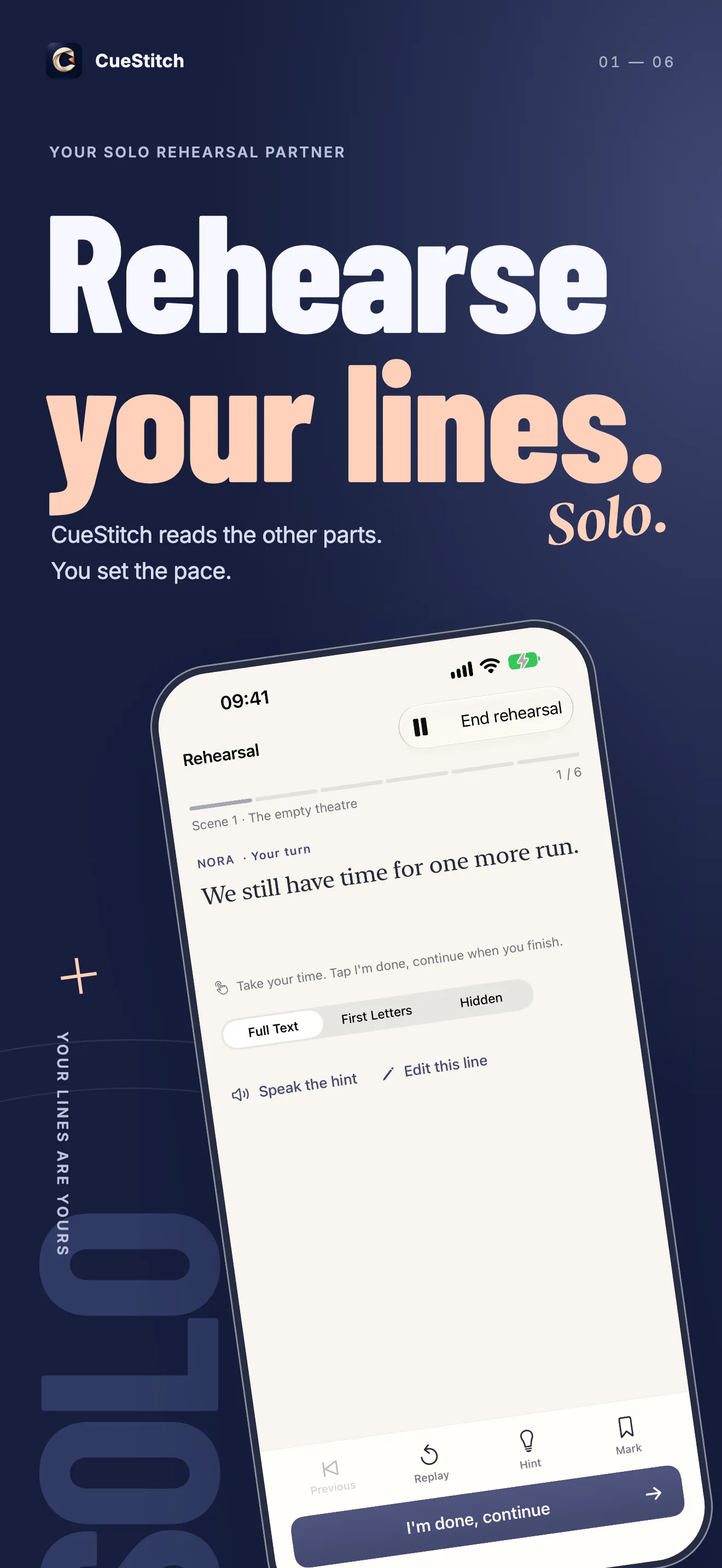
CueStitch reads the other roles while you rehearse your lines at your own pace
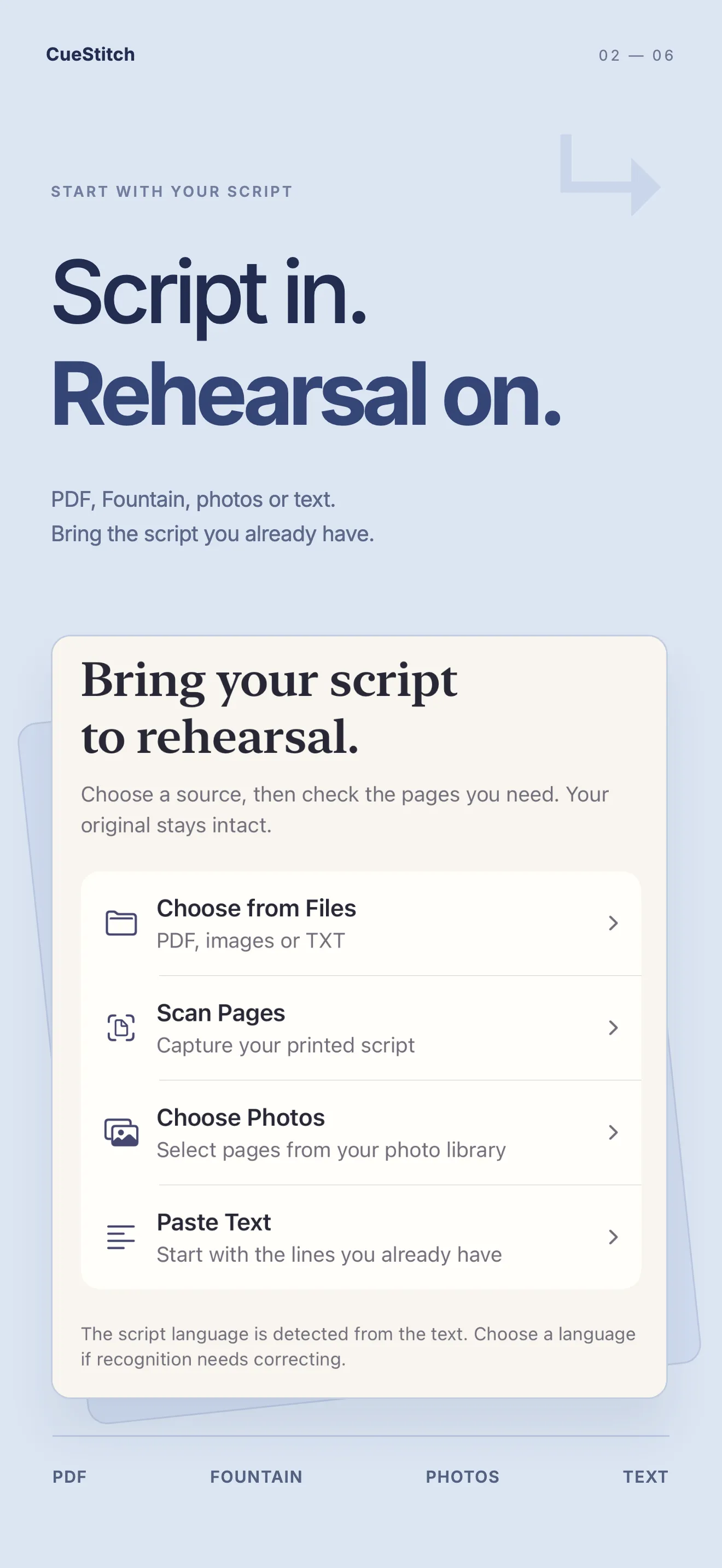
Import a PDF, Fountain file, photo or text and start rehearsal
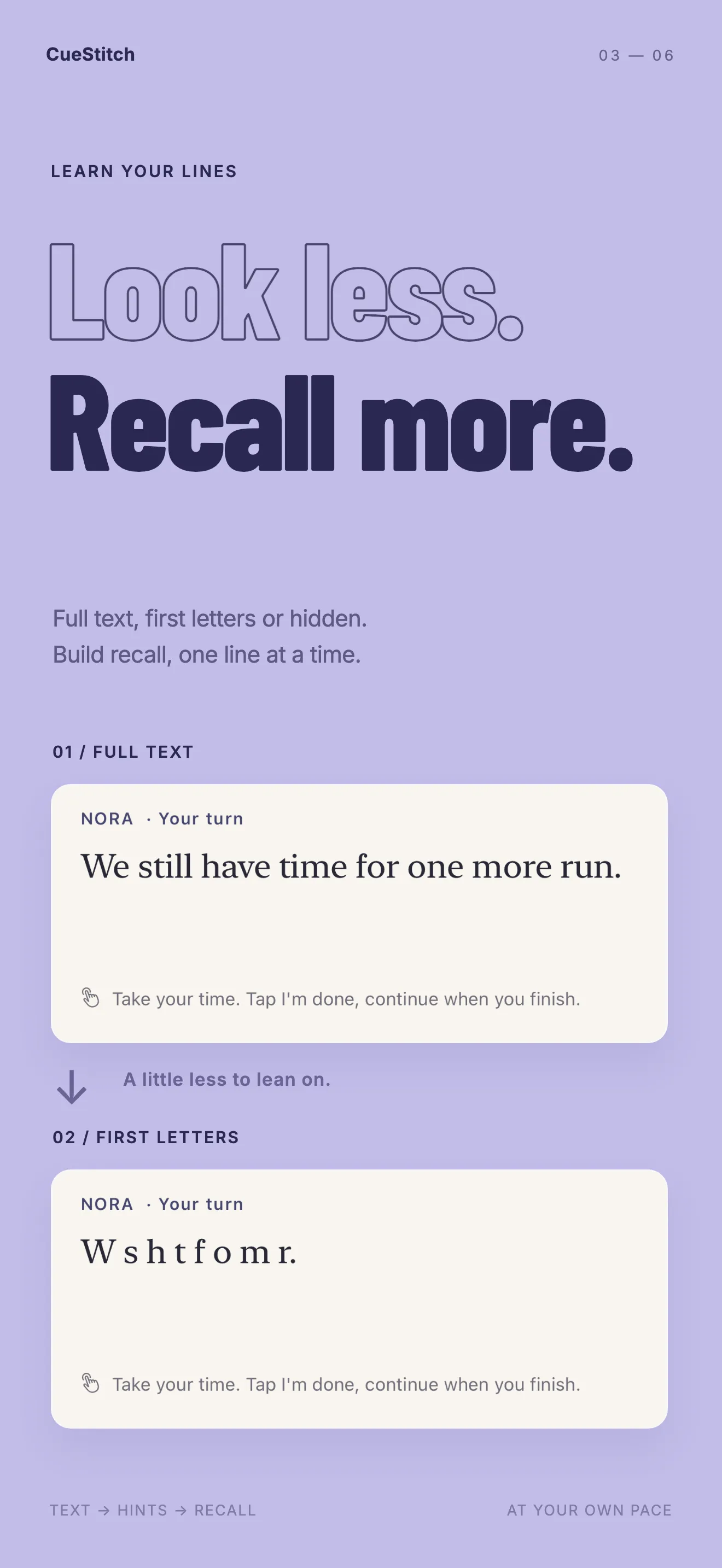
Learn lines with the full text, first-letter hints or hidden lines

About CueStitch

Learn your lines when your scene partner is not there. CueStitch turns the script you already have into a rehearsal workbook on iPhone and iPad. Choose the character you play. The app reads the other roles with voices on your device and stays quiet on your turn.

Import a text PDF, scanned PDF, Fountain file, photo or pasted text. Scan pages with the camera, or open a PDF or Fountain script from Mail or Files. Check the scenes and dialogue against the original, then move from the full text to first-letter hints and hidden lines. Scene notes stay next to the moment you are working on. Scripts, recordings and videos are processed and stored on your device. No account. No ads.

Start free, with up to three editable scripts. An optional one-time Pro purchase adds more projects, every available voice, focused review, printable rehearsal pages and self-tape with an on-screen prompt. Made for iPhone and iPad with iOS 17 or later.

Highlights

  • A partner for your lines

    Choose who you play. CueStitch reads the other roles and waits on your turn. Continue when you are ready, leave a timed gap, or listen through the scene first.

  • Start from your script

    Bring a text or scanned PDF, a Fountain file, a photo or pasted text. Scan pages with the camera, or open a PDF or Fountain script from Mail or Files.

  • Look less, recall more

    Keep the full text while you learn the scene. Switch to first-letter hints, then hide your lines. Reveal a prompt or hear a line again without starting over.

  • A voice for each role

    Assign available system voices, adjust the pace and preview a character’s own line. Record a line yourself when you want a particular reading. Voices depend on your device.

  • One scene at a time

    Keep the script organized by scene and return to the line where you stopped. The script’s language stays separate from the language of the app.

  • Notes beside the moment

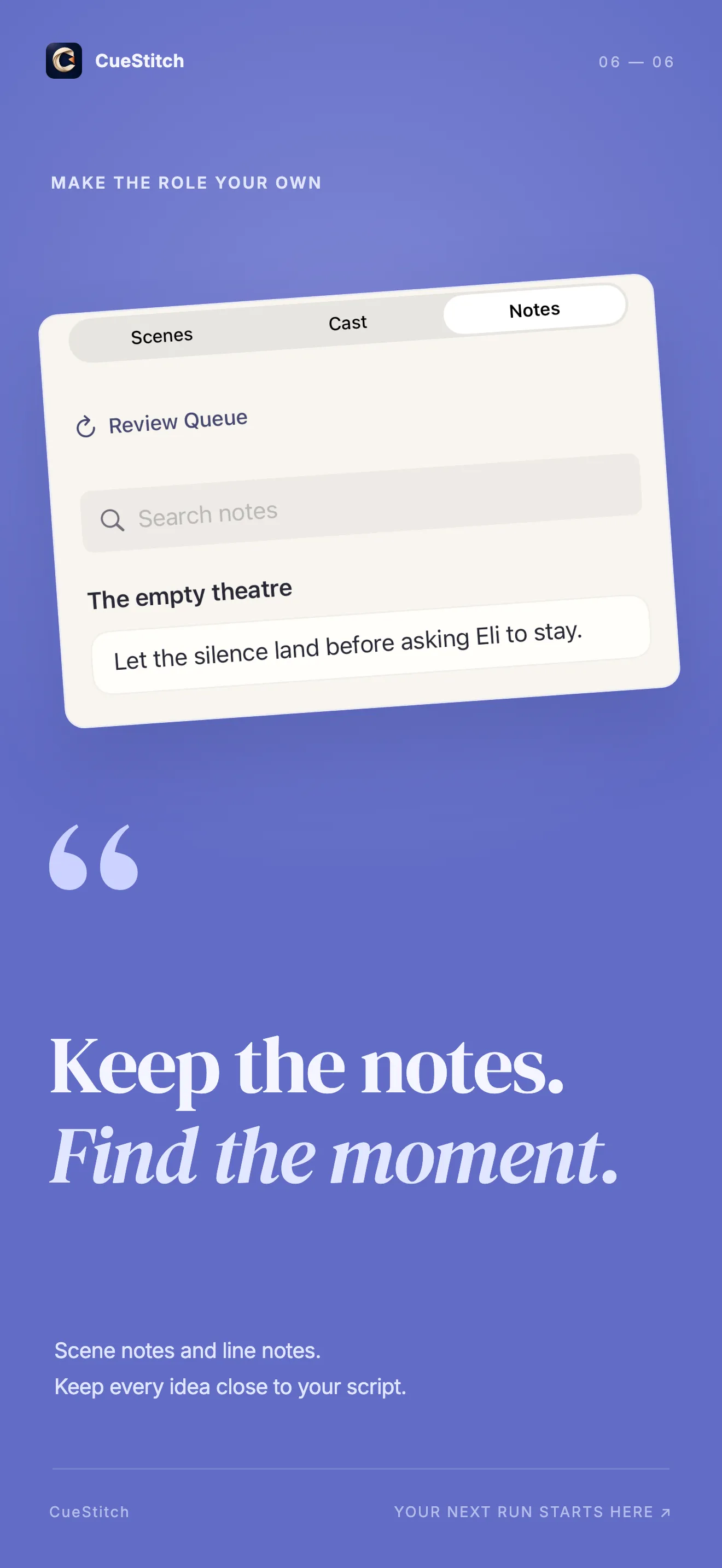
    Write scene notes and line notes for intention, action and direction. Bookmark a moment, or mark a line and review it with the cue that comes before it.
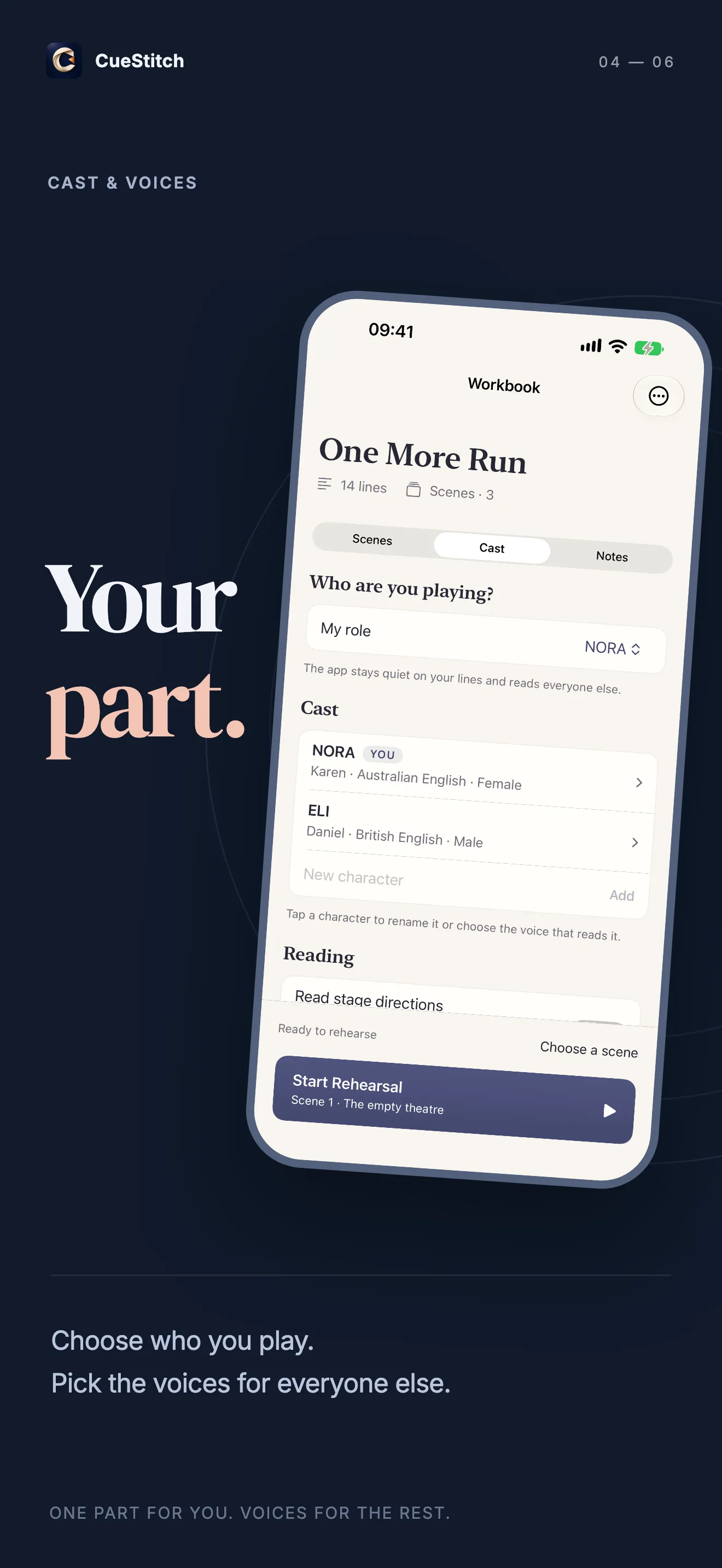
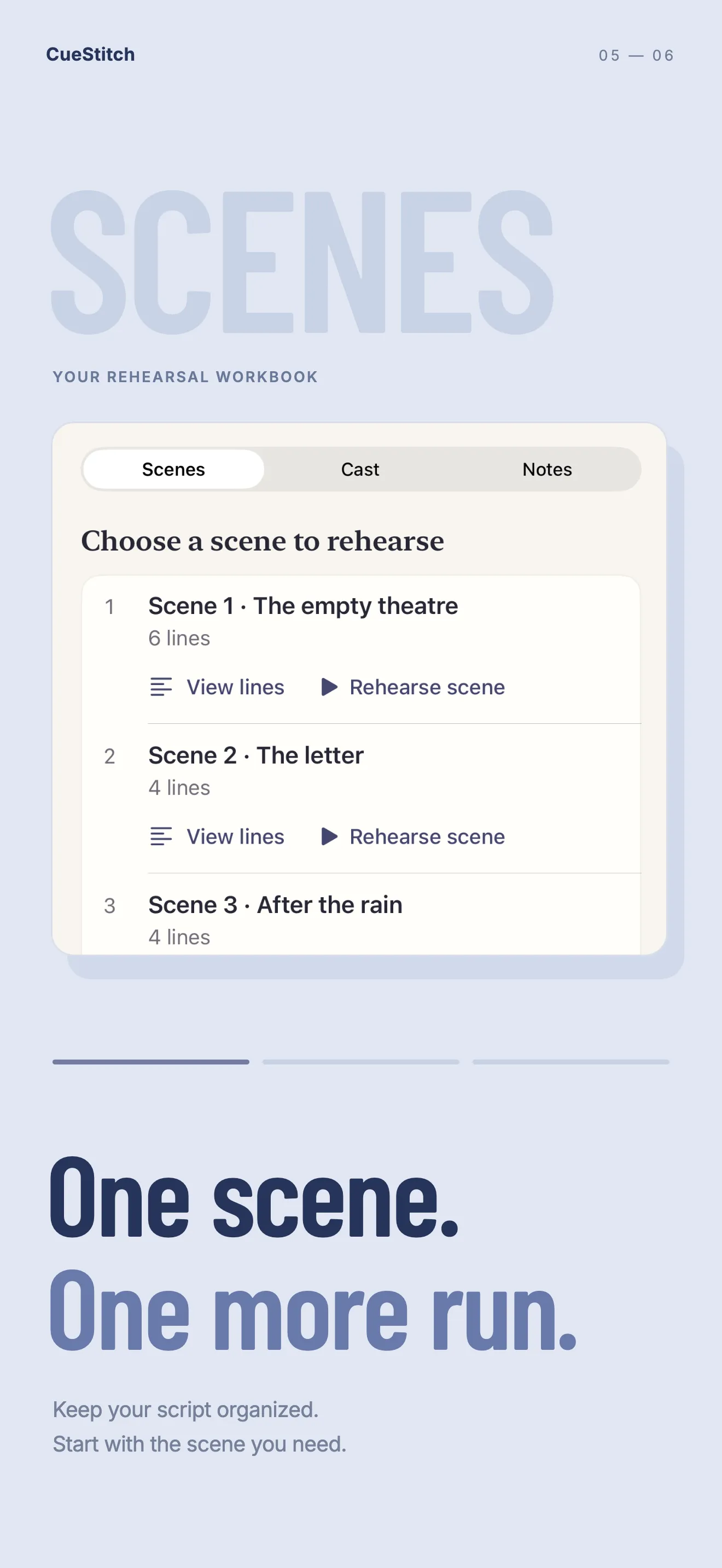
Screenshots

  • CueStitch reads the other roles while you rehearse your lines at your own pace
  • Import a PDF, Fountain file, photo or text and start rehearsal
  • Learn lines with the full text, first-letter hints or hidden lines
  • Choose your role and assign voices to the rest of the cast
  • Rehearsal workbook organized one scene at a time
  • Scene notes and line notes kept next to the script

Frequently asked questions

What is free, and what does Pro include?
The free edition keeps up to three scripts editable at once, with up to 20 source pages in each. Listening, manual cueing, timed gaps, line hiding, notes, line recordings and single-line review are included. For each supported language, up to two basic device voices can be used in a script, and every available voice can be previewed. You can also try automatic cueing on the first 10 lines of the role you select. Pro is a one-time purchase with no renewal and no time-limited full-feature trial. It unlocks more projects, imports up to 200 pages, all available voices and voice presets, focused practice for lines that need work, saved practice sets, multiple role setups, comparing a new script version and carrying preparations across, a printable rehearsal PDF, extra themes, and self-tape recording with an on-screen prompt. A single imported file must be under 200 MB. Longer automatic cueing still needs on-device speech recognition and the permissions you grant.
Will my script be uploaded?
Scripts, original pages, notes, line recordings and videos are processed and stored on your device. CueStitch does not operate a server for that content, and this version cannot turn on personal iCloud sync because no iCloud container is configured. Text recognition, system voices and automatic cueing stay on the device. Apple and RevenueCat handle purchase information. A file is sent elsewhere only when you choose to share, export, print or save it, or when you email support.
How do I restore Pro on a new device?
Sign in with the Apple Account used for the original purchase, then open Settings → Restore purchases in CueStitch. An internet connection is needed. If access is still missing, email hi@kaielian.com with the app version, iOS version and the steps you tried. Please do not include payment details. The feedback draft can include a RevenueCat app user ID, which you may remove before sending.

All questions & answers

Help & legal

Questions, purchases or data requests — everything for CueStitch lives here.

More apps

All apps →

Glimstamp

Add text. Add the date. Print it.

Photo & Video Free · In-App Purchases
Get