
CueStitch
Your solo rehearsal partner
Education Free · In-App Purchases
Coming soon 
Add text. Add the date. Print it.
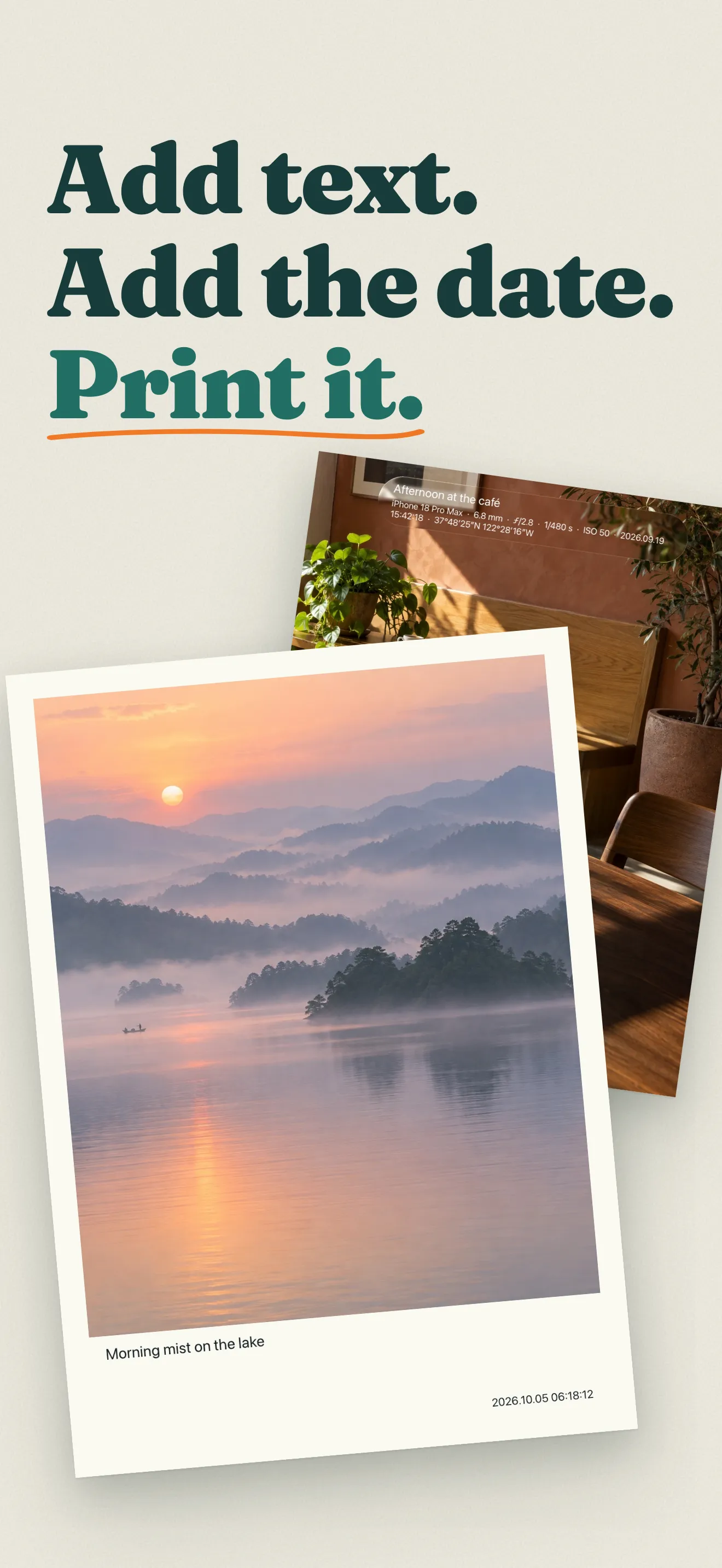
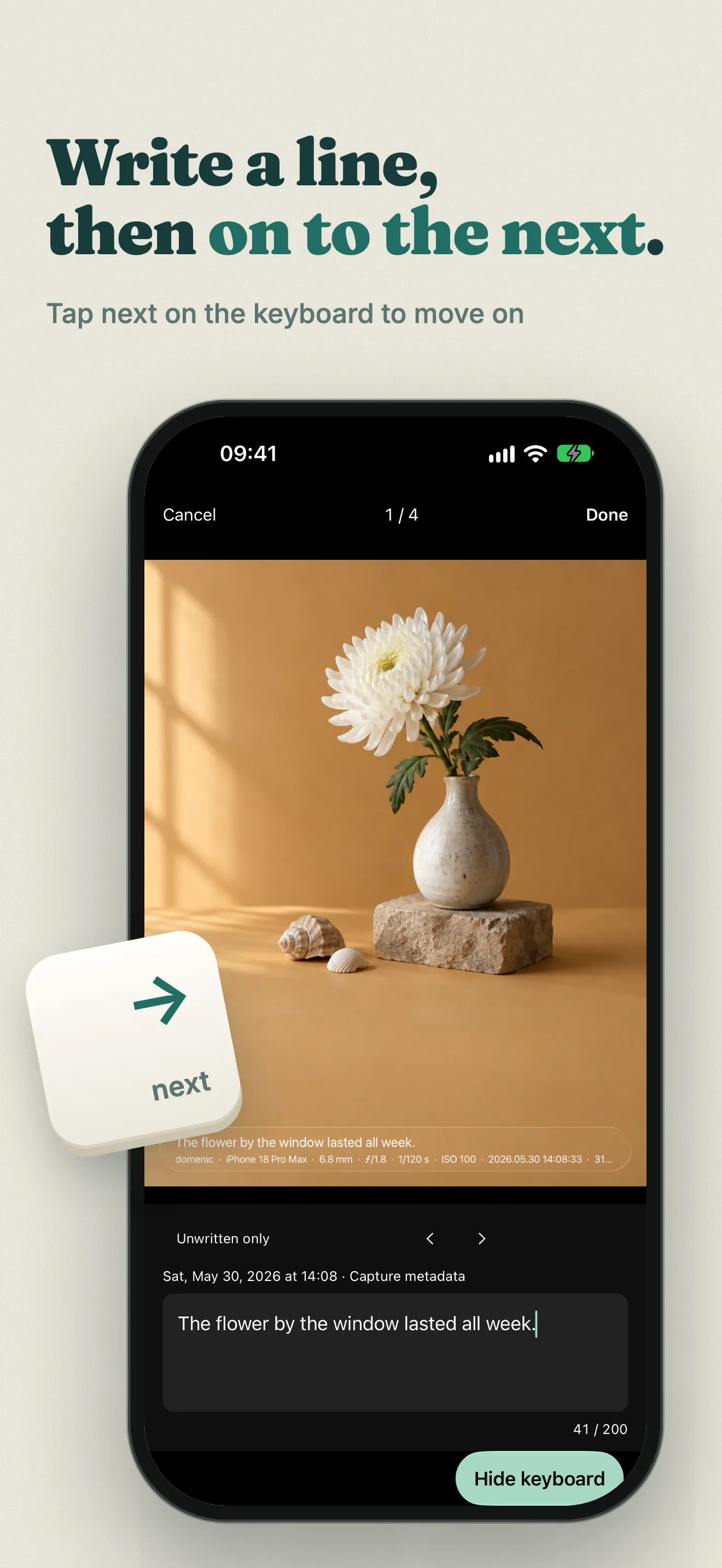
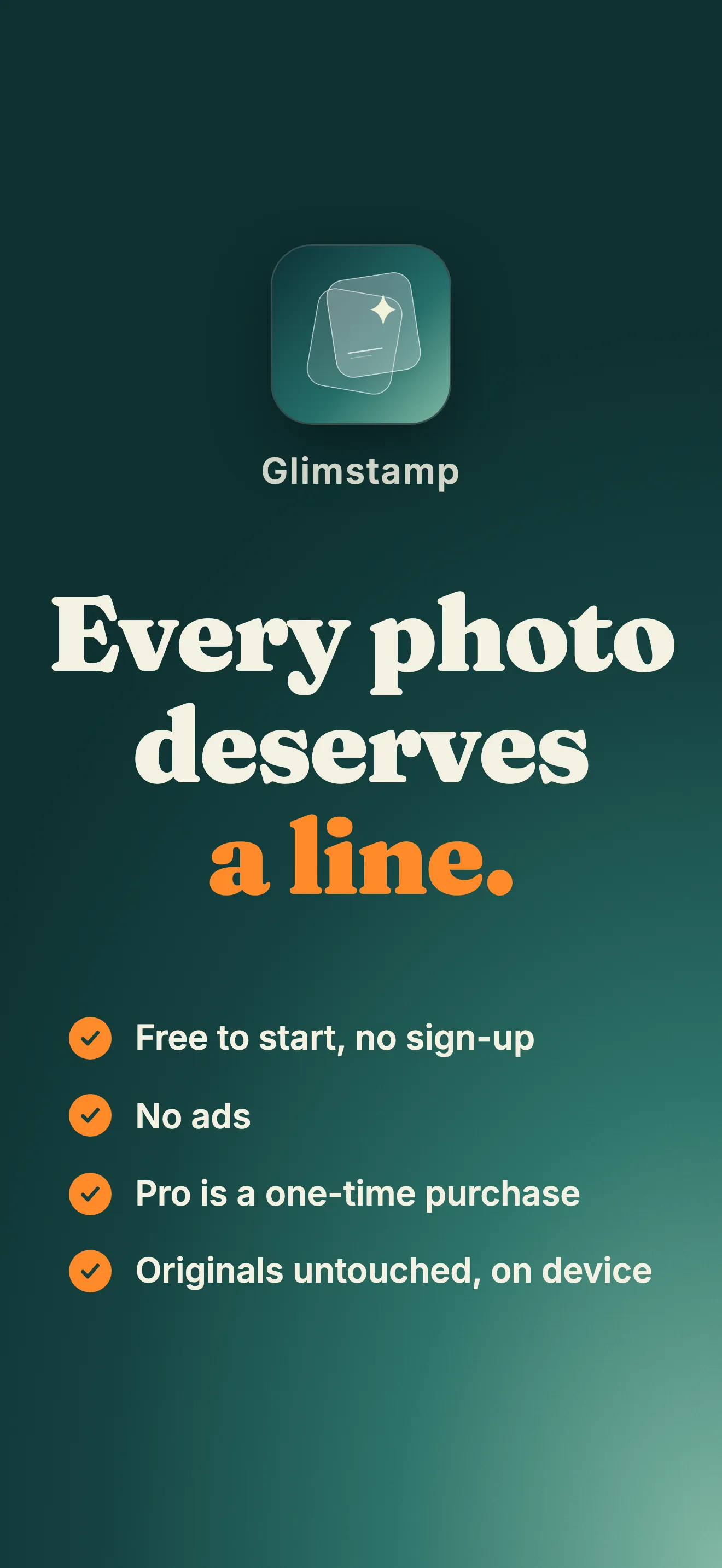
Every photo deserves a line. Glimstamp keeps the story with the picture: write a caption, add the capture date, choose a frame, then save a new photo, print it at home or turn an album into a PDF. Make room for a trip, a baby’s first year, a photo journal or an ordinary day worth remembering.
Create albums and keep writing at your own pace. Originals stay untouched, and your albums and captions are processed and stored on your iPhone. No account. No ads.
Start free, with an optional one-time Pro purchase for whole-album output, print files and more looks. Made for iPhone with iOS 17 or later.
Keep several albums, write up to 200 characters per photo and tap Next to keep going. Filter unwritten photos, apply a caption or date to a selection, and sign an entire album once.
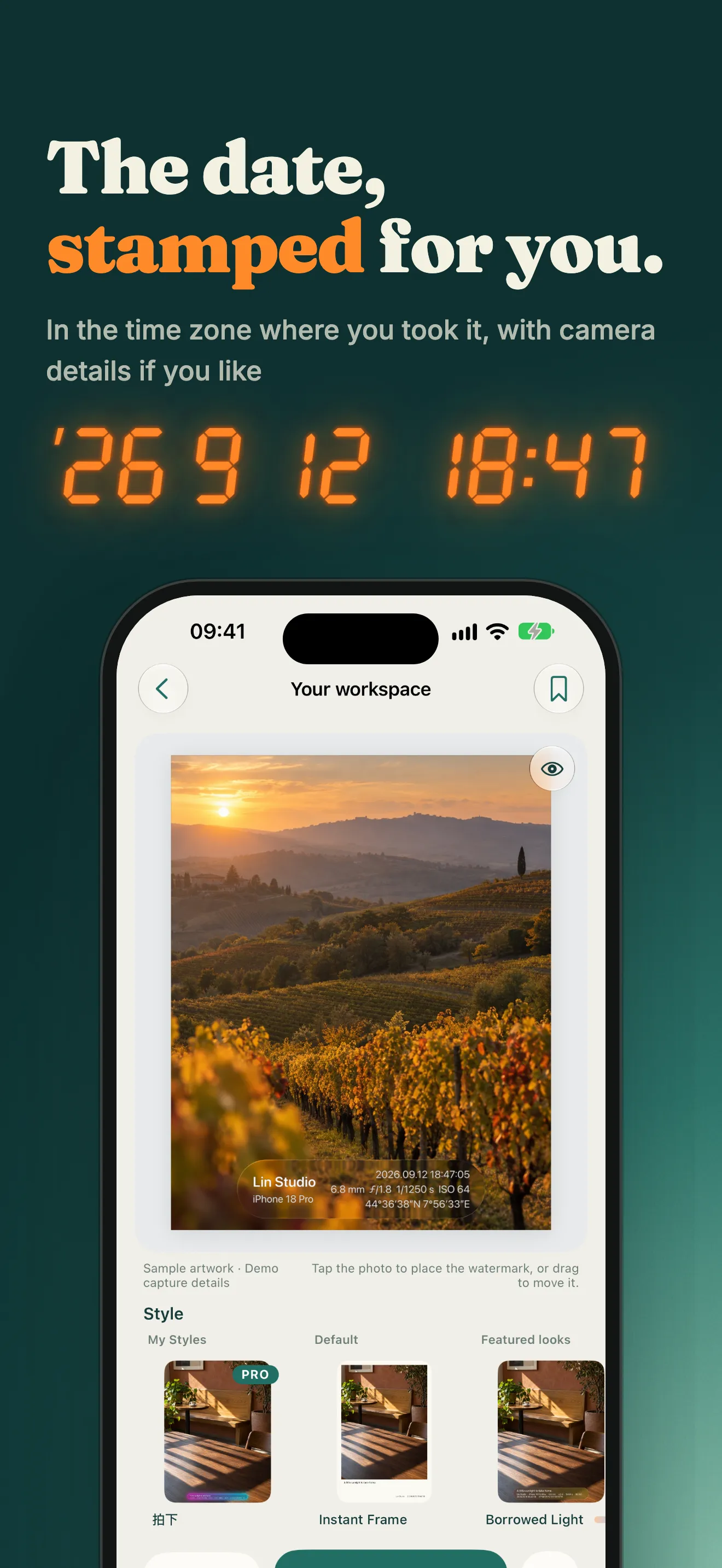
Use capture metadata and recorded time-zone offsets for date stamps. Set missing dates yourself, and add camera model, focal length, aperture, shutter speed or ISO when available.
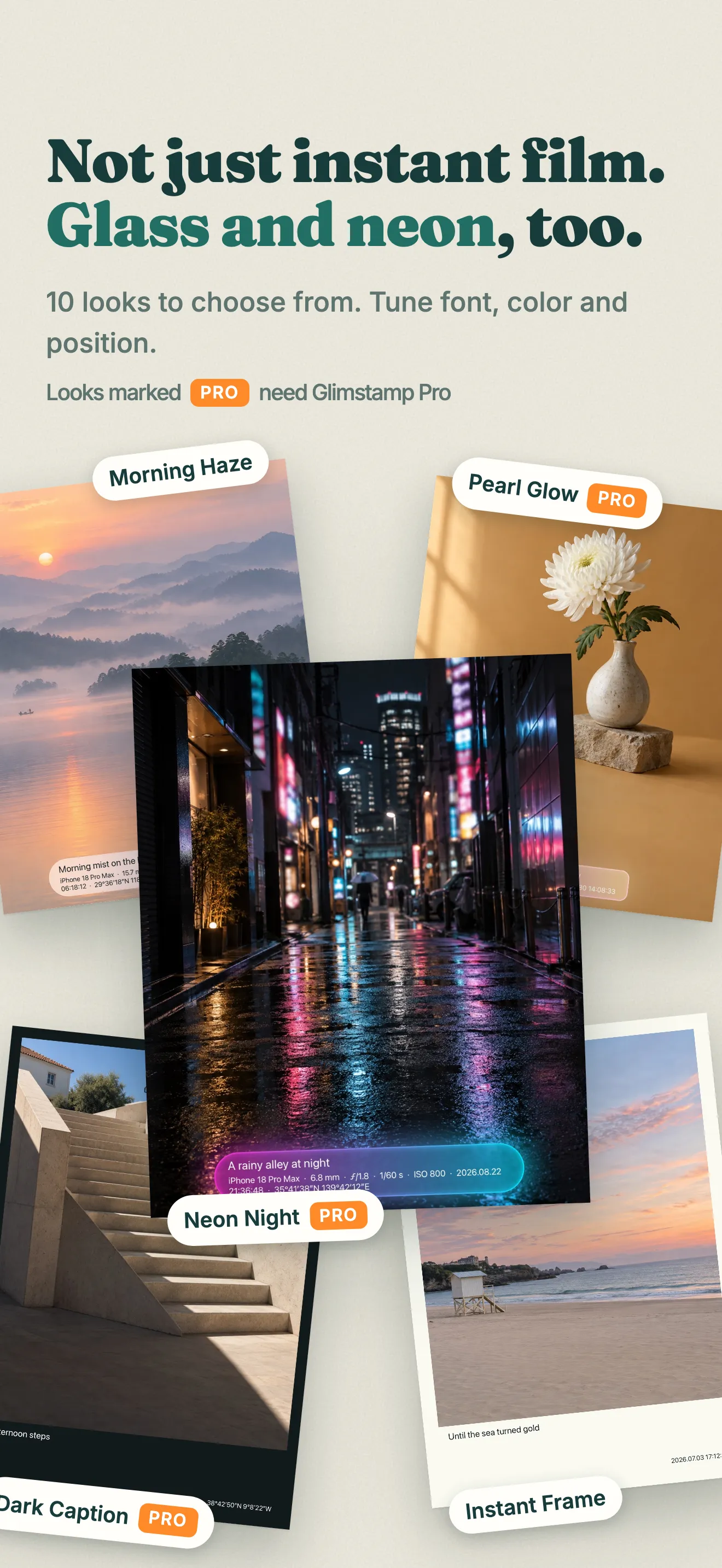
Choose instant-film frames, dark captions, glass bars, soft labels and signature plates. Adjust type, color, position and size, or fine-tune one photo within an album.
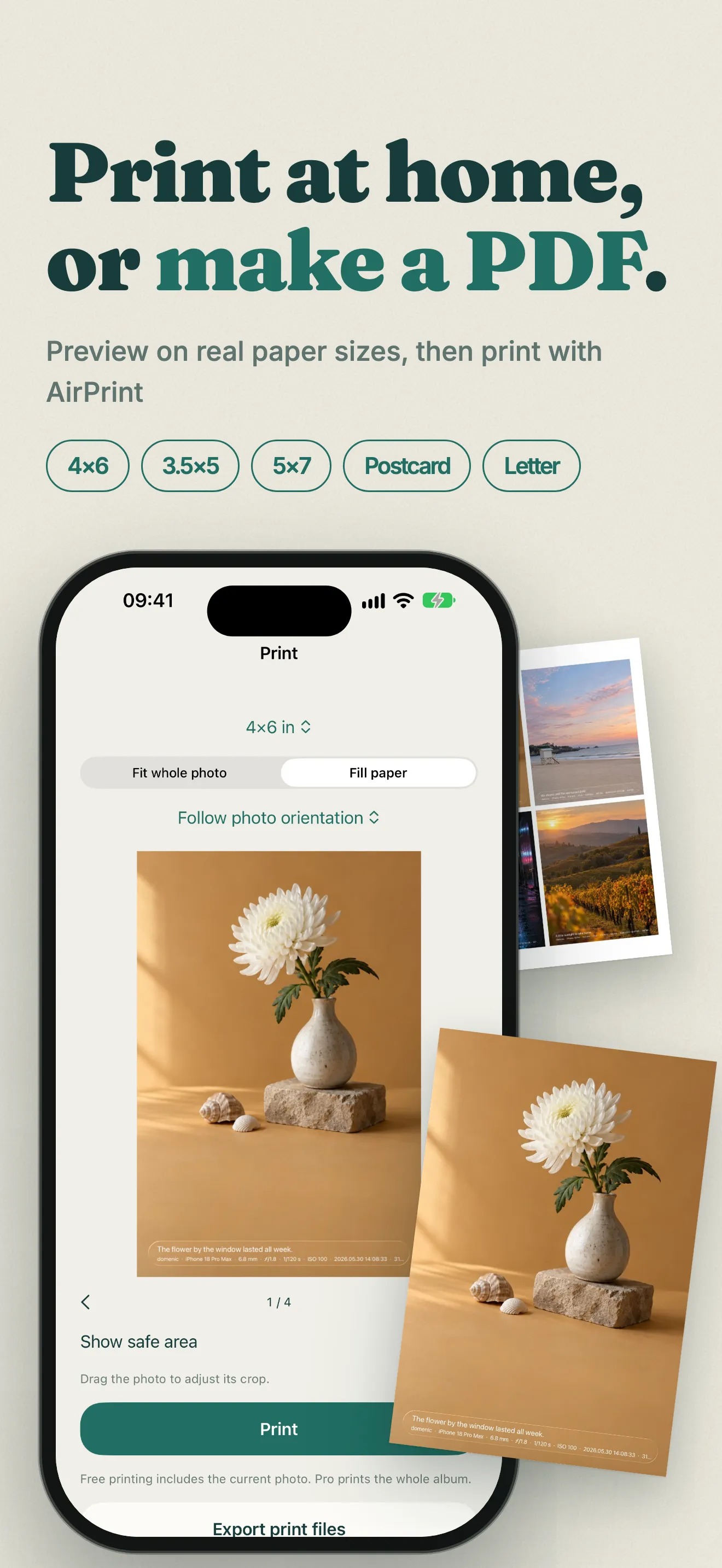
Preview 4×6, 3.5×5, 5×7 or postcard paper before printing with AirPrint. Safe margins and resolution warnings help you prepare; Pro adds 300 dpi print-file export.
Make A4 or Letter PDFs with 1, 2, 4 or 6 photos per page, automatic rotation and page previews. Share the result or save it to Files.
Export JPEG or HEIC photos with captions in their description metadata. Add a watermark to a single video and save a new MP4 up to 4K. Photo exports remove location metadata by default.

Questions, purchases or data requests — everything for Glimstamp lives here.
Your solo rehearsal partner